Well in the end I chose not to reinvent the wheel. Seeing your images I realized that matlab already has an App to calibrate. So I downloaded it and that’s it! With the same images I got a super good calibration, with a reprojection error of 0.1048. I guess the OpenCV algorithm must not be so optimal. I spent months turning the calibration around, and matlab solved everything for me.
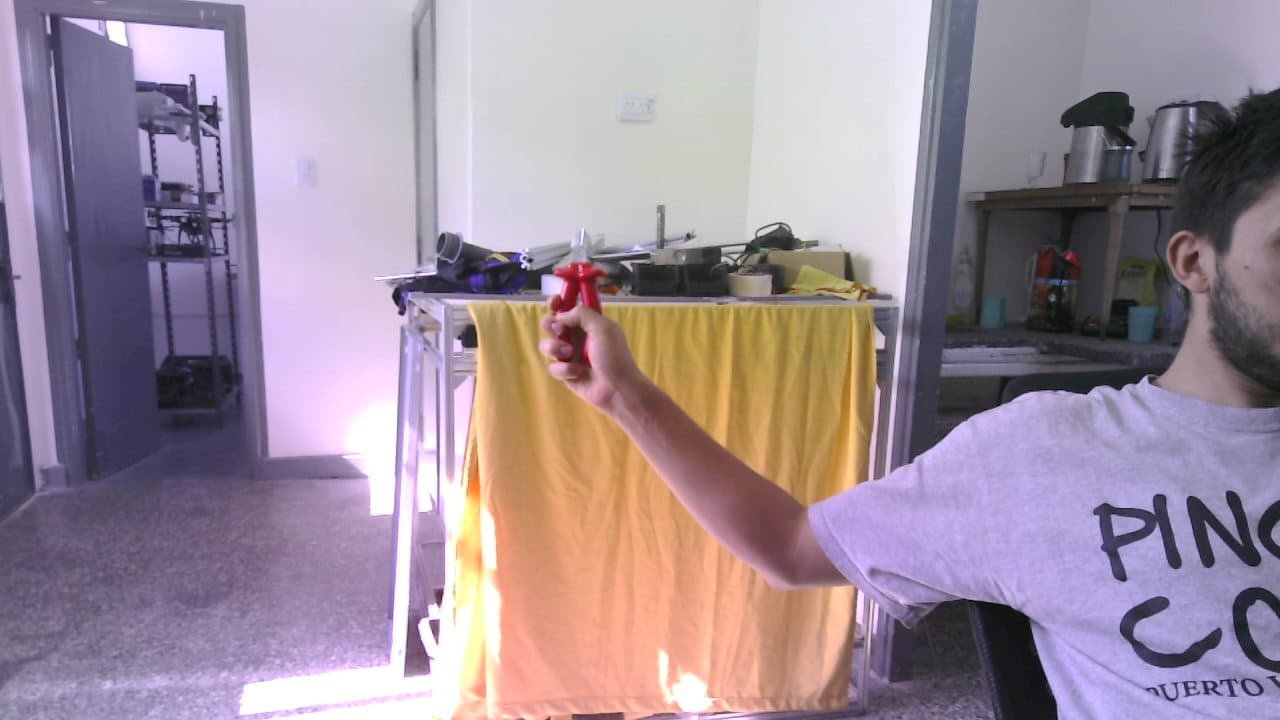
I only have one last question, I was taking many images to see how the Calibration map evolves in different environments. There are images that generate it quite well for me, like this one:
LEFT

RIGHT
Disparity without WSLFilter

Disparity with WSLFilter

But depending on the environment, I find that I have to adjust the values of the SGBM algorithm. For example in this following, I could only get a “good result” using a blocksize = 1
LEFT

RIGHT

Disparity without WSLFilter

Disparity with WSLFilter

In this I was able to get good results, changing numdisparity = 11 and blocksize = 5:
LEFT

RIGHT

Disparity without WSLFilter

Disparity with WSLFilter

My question is: Is it normal to have to change the values of the SGBM algorithm for each image? And if so, given that my project consists of generating depth maps in various environments, be it with a lot of light, low light, at 5 meters or at 15. Is there any way to “Automate” the choice of values?
Thank you very much